Donna
How Model Context Protocol connects field sales data
Your customer information is there. Getting to it is the problem.
A sales rep is heading to a customer meeting. A CRM, such as Salesforce, Dynamics 365 or SAP Sales Cloud, will typically show a rep the open opportunities, but the order history sits in SAP ERP. Revenue against target of the sales rep is in Power BI. The customer mentioned a competitor during the last visit, and Donna captured that conversation.
Each system holds something useful. But the rep still has to piece it together.
Together, this information can change how the rep approaches the meeting. The opportunity might look promising in the CRM. However, declining orders, combined with a conversation about a competitor’s pricing, suggest the rep needs to understand what is putting the account at risk before pitching more business.
Donna, the proactive AI assistant for field sales teams, already helps capture what happens in customer conversations. By connecting to the wider business context, teams can prepare for meetings with a fuller understanding of each customer.
What is MCP?
MCP is an open standard for connecting AI applications to external data and tools. Think of it as a shared language: an assistant can request information or an action from a connected system using a common protocol.
The distinction that matters is who connects to whom. The client makes the request. The server exposes the information or capabilities it can provide.
A common protocol reduces the need to build a separate custom connection for every assistant and system pairing. Each system still needs the right setup and permissions, and MCP makes those connections more reusable.
For companies, sales leaders and sales reps, that means more of the information you already invest in becomes useful during the working day, through a question a rep can ask between visits.
How does Donna use MCP?
Donna connects to your business systems
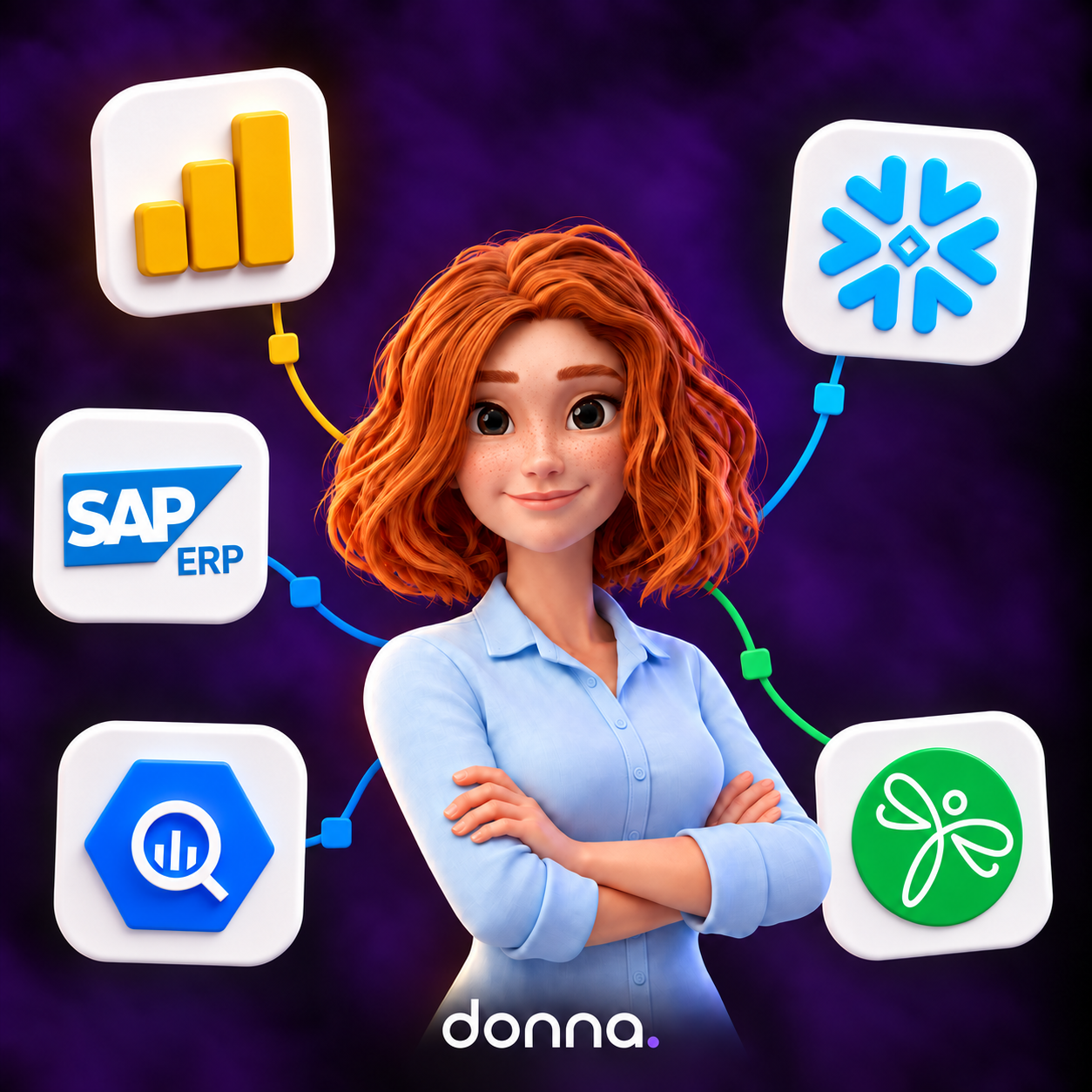
Through our External data MCP connections, Donna acts as the client. She requests information from connected systems such as Power BI, Snowflake, BigQuery, SAP ERP, and Mediafly.
With SAP ERP connected, a rep can ask:
- “Donna, how many orders did this account place in the last three months?”
- “How many open invoices does this customer have?”
The answers come from the connected business system and provide instant account context. No hunting through dashboards, nor different systems, right at the moment where the user or in this case the sales rep needs it the most.
This information becomes more useful alongside what the customer has told the rep. For example, if Donna captures delivery concerns during the last visit, shipment information from SAP can help the rep prepare a relevant follow-up.
SAP ERP use cases include shipment status and disputes, alongside the customer’s credit score. Before a visit, that information helps a rep understand what might affect the next sale.
Sales enablement tools offer another useful connection. With a solution like Mediafly, a rep could ask:
- “How many times has the customer looked at the digital sales room?”
- “Create a digital sales room as follow-up and include the latest promotions”
Combined with the previous conversation, that engagement helps the rep decide where to focus the next meeting.
Customer story: Döhler connects Donna to SAP ERP
“Can Donna also tap into our SAP ERP?”
That’s the question Michelle Emmerich, Head of Digital Sales at Döhler, kept hearing from her reps. Döhler’s global sales teams already used Donna to prepare for customer visits and handle the admin afterwards. Next, they wanted the order and invoice data from SAP.
With SAP ERP connected, a rep on the way to a visit can ask:
- “Are there open orders for this account?”
- “Have the samples gone out?”
- “Does this customer have open invoices?”
Donna pulls the answer live from SAP, so the rep walks in prepared. After the visit, the rep talks Donna through what happened, and the field insights flow back into the CRM. One question and one voice, across CRM and ERP.
Other AI tools connect to Donna
The connection works in the other direction too. Through Field Insights MCP, Donna acts as the server. An approved assistant, such as Claude, can request configured insights from the calls, chats, and recordings Donna captures (and of course you could also do this directly from Donna).
An order history shows what a customer bought, but a conversation can reveal why they might stop buying. Connecting those perspectives helps sales leaders spot risks earlier and understand what is driving changes in account performance.
For example, a leader could ask an approved AI tool to identify recurring competitor mentions in Donna’s conversation insights, then compare them with revenue trends. If customers increasingly mention a competitor’s lower prices in accounts where orders are declining, the team has a specific issue to investigate. That can inform a change to the sales approach or a targeted response for affected accounts.
The knowledge reps gather in the field can then shape the wider sales strategy, without needing another report to be written.
What this means for your business
MCP connects business data and field insights through Donna. Field sales reps can prepare with a fuller understanding of each account with the right information at the right time, wherever they are. While leaders can use what customers are saying to better understand sales performance and act on field insights.
These connections also enable reps to automate manual sales tasks, such as creating a digital sales room or submitting a sample request. The result is less time spent switching between systems and more time to follow through with customers.
Our strategy starts with the work sales teams need to get done. Through MCP, Donna connects sales teams to the information they need and the tools that help them act on it.
Related articles

MIT research shows 95% of enterprise AI pilots fail, not because the technology isn't ready, but because of people, process, and mindset. AI doesn't behave like SaaS: there's no fixed interface and no one-off go-live, so the classic pilot playbook sets projects up to stall. The companies that do reach production with measurable value share six habits: a clear process with a clear expected output, stakeholder alignment before kickoff, real AI skills in-house or through a partner, incentives that reward the new way of working, resources for iteration rather than just the launch, and an action plan built around early wins. Do it right and the payoff is real, our customers see up to 75% less admin time, 10× more insights captured in the CRM, and up to 20% higher sales conversion.
Donna

Today, Mediafly and Donna are joining forces as partners to introduce a new, voice-first era of revenue enablement—one where sales teams don’t adapt to systems, but systems adapt to them. **Built on deep CRM integration—especially for SAP Sales Cloud V1 and V2 environments—this collaboration ensures everything connects seamlessly from day one.** Together, we are making CRM screenless.
Donna

Voice is becoming the new interface for work, and field sales is the perfect starting point. In a screen-hostile environment where reps spend most of their time on non-selling tasks, voice-first AI captures intent, eliminates admin, and improves revenue performance. The real opportunity isn’t better software, but reclaiming selling time and fixing CRM data at scale.
Donna
Talk to Donna today
Discover how Donna can simplify life for field sales teams


FAQs
Got questions? Donna got answers. Here’s what field sales teams ask most.
Is it legal to record online and offline customer conversations with Donna?
Yes, in most cases, as long as the applicable notice and consent requirements are followed. Recording laws vary by jurisdiction, so the key principle is to be transparent with participants and obtain consent where required. Donna includes controls to support this.
How does Donna use AI?
Donna combines different AI models to deliver a seamless experience, allowing users to text Donna, call Donna, or send voice notes. Donna uses AI to transcribe meeting recordings, help prepare meetings, generate summaries, capture and surface insights and propose or automatically perform actions such as updating the CRM, scheduling a follow-up meeting, or preparing a follow-up email.
Is customer data used for AI model training?
No. Customer data is never used to train or improve our or third-party AI models.
What is Donna and how does she help field sales teams?
Donna is a proactive AI assistant for field teams delivering hyper-personalized briefings, capturing every detail, and killing the admin time. She helps sales reps save time by preparing meetings, taking notes, updating the CRM, and drafting follow-ups automatically. With Donna, sales teams spend less time on admin and more time selling. Faster execution, stronger CRM adoption, and more wins, without longer hours. Happier, sharper teams start today with Donna.
Does Donna take notes during meetings automatically?
Yes. Donna listens, online and in person, to your meetings or calls, captures key points, and structures them into clean notes. Everything is stored and ready for review, so you can stay focused on the customer instead of typing. If you are not comfortable having a notetaker in your meeting, you can always update Donna afterwards.
Can Donna really update my CRM for me?
Absolutely. Donna automatically updates or creates contacts, opportunities, prepares quotes in your CRM and drafts follow-up mails. All data stays accurate and up to date without manual entry.
What tools and CRMs does Donna integrate with?
Donna integrates with Salesforce, SAP, Microsoft Dynamics 365, Outlook, Google Calendar, and more. Even if your CRM includes custom objects and fields, Donna connects seamlessly to keep everything in sync. Find all integrations here.
How much time can sales reps save by using Donna?
Sales teams typically spend less time on admin by 75%. By automating meeting prep, note-taking, and CRM updates, Donna helps reps reclaim time to focus on customers and close more deals.
Is Donna secure and GDPR-compliant?
Yes. Donna is ISO 27001 certified and fully compliant with GDPR, CCPA, and SOC 2. All data is encrypted in transit and never used to train AI models.
Our CRM is customized. Can Donna handle this?
Yes. Donna works with both standard and custom CRM objects and fields. Whether your setup is simple or highly customized, Donna connects seamlessly and keeps all your data accurate and up to date.
How is Donna different from other AI sales tools?
Donna’s purpose is built for field sales. Unlike generic AI assistants, Donna connects with your CRM, captures meeting notes, and updates contacts and opportunities automatically, even on the go. As Donna is deeply integrated into the day-to-day of field sales teams, she delivers a proactive, voice to voice and hyper-personalized experience.
How long does it take to set up Donna?
Donna connects to your CRM and calendar quickly, with most teams fully onboarded in less than two weeks. Setup requires less than a month, and our team supports every step of the process.